Calculations
Last updated: August 8, 2025
See what’s still to complete and progress you’ve made within fields with the Calculations feature.
How to use it:
If you’re interested in using Calculations, you’ll need to reach out to Customer Success to enable this feature for your account.
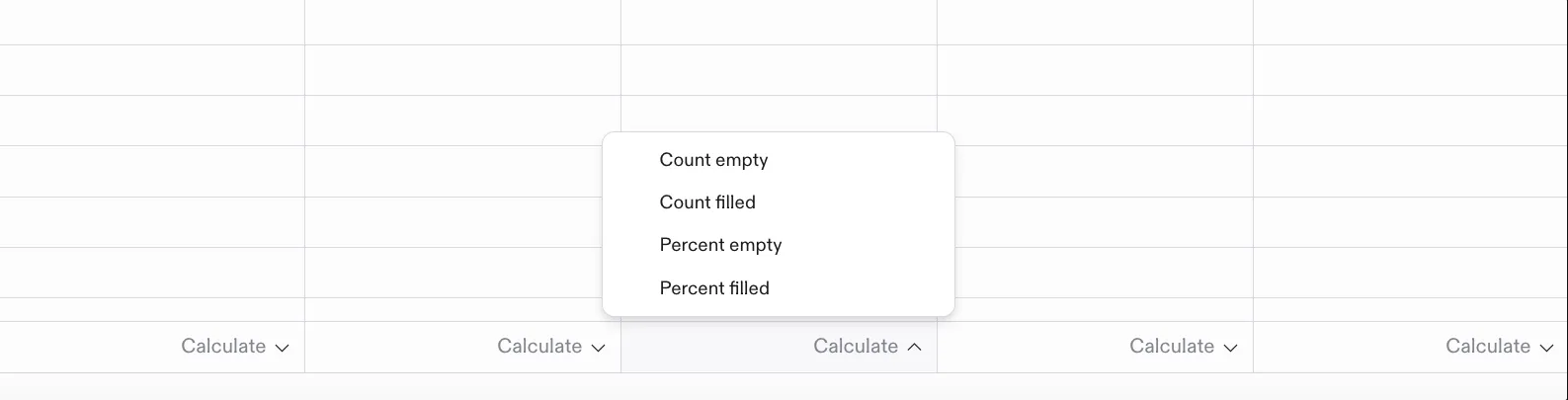
Once enabled, you’ll be able to calculate the following from a quick selection menu at the bottom of each column:
Count empty
Count filled
Percent empty
Percent filled
Sum
Average
Minimum
Maximum